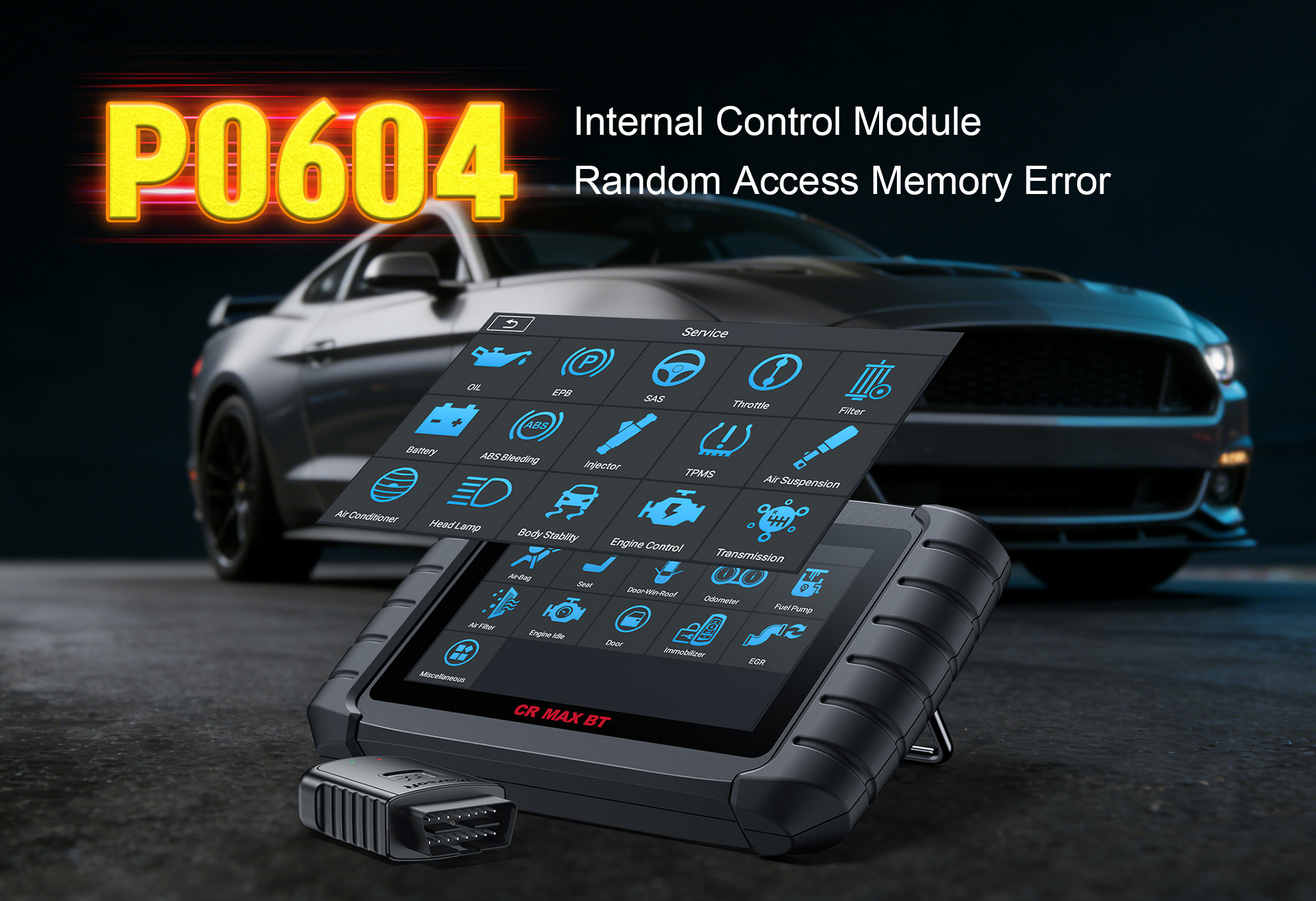
Fix P0604: Internal Control Module RAM Error – Trust iCarsoft CR MAX BT
If your vehicle stalls unexpectedly, displays erratic performance, or the check engine light illuminates with OBD2 code P0604, you’re facing a critical electronic control unit (ECU) fault. P0604 signals “Internal Control Module Random Access Memory (RAM) Error”—a problem where the ECU’s internal RAM (responsible for storing real-time engine data) malfunctions. Ignore it, and you’ll face no-start issues, reduced power, or complete ECU failure—costing thousands to replace.
But diagnosing P0604 doesn’t have to mean costly dealership visits. In this guide, we’ll break down P0604 in plain English: what it is, common causes, red-flag symptoms, and how the iCarsoft CR MAX BT diagnostic tool (with wireless Bluetooth) simplifies troubleshooting for DIYers and mechanics. Plus, we’ll share real customer reviews, 8 FAQs, and show you how to fix P0604 at home. Let’s get your ECU’s RAM back in working order!
What Is OBD2 Code P0604?
P0604 is a standard OBD2 diagnostic trouble code defined as “Internal Control Module Random Access Memory (RAM) Error”. The ECU (engine control unit) is the “brain” of your vehicle, using RAM to temporarily store critical real-time data—such as fuel trim values, sensor readings, and ignition timing—during operation. This data is essential for the ECU to adjust engine performance on the fly.
When the ECU detects corrupted, unreadable, or inconsistent data in its RAM (or a failure to write/read data), it triggers P0604. This code applies to all gasoline and diesel vehicles (cars, trucks, SUVs) and indicates a fault in the ECU itself, electrical system, or software—all requiring prompt attention to avoid catastrophic engine control failure.
Top 5 Causes of P0604
ECU Internal Malfunction
The #1 culprit—wear and tear, manufacturing defects, or voltage spikes damage the ECU’s RAM chips, preventing proper data storage and retrieval.
Electrical System Issues
Low battery voltage, faulty alternator, or loose battery terminals cause unstable power supply to the ECU, corrupting RAM data.
ECU Software Corruption
Outdated firmware, incomplete software updates, or failed reprogramming disrupt RAM functionality and data integrity.
Aftermarket Modifications
Poorly installed performance chips, tuners, or audio systems create electrical interference or overload the ECU’s RAM.
Water Damage or Overheating
Moisture intrusion (e.g., from leaks) or extreme engine bay heat damages the ECU’s internal RAM components.
Common Symptoms of P0604 to Watch For
Don’t ignore these warning signs—they mean your ECU’s RAM is failing and pose a serious safety risk:
-
Illuminated check engine light (MIL) (often accompanied by other codes due to corrupted data).
-
Erratic engine performance (hesitation, misfires, or sudden power loss during driving).
-
Difficulty starting the engine (or complete no-start condition in severe cases).
-
Rough idling or unexpected stalling (especially at low speeds or startup).
-
Reduced fuel efficiency (ECU uses incorrect RAM-stored data to adjust air-fuel mixture).
-
Random illumination of dashboard warning lights (e.g., “Check Engine,” “Reduced Power”).
Why iCarsoft CR MAX BT Is Your Best Tool for P0604
Basic OBD scanners can only read P0604—they can’t diagnose ECU RAM functionality or verify software integrity. The iCarsoft CR MAX BT, equipped with wireless Bluetooth and advanced ECU diagnostics, gives you professional-grade tools to pinpoint the root cause of P0604 from your smartphone/tablet, no tangled cables required. Here’s how it outperforms basic scanners:
ECU System Specialization
Reads P0604 and detailed subcodes to confirm if the issue is hardware (RAM chip failure) or software (data corruption).
Bluetooth Wireless Connectivity
Syncs with iOS/Android devices for cable-free operation—perfect for accessing the ECU without disconnecting batteries.
ECU RAM Diagnostics
Runs automated tests to verify the ECU’s ability to write/read RAM data, distinguishing temporary glitches from permanent damage.
ECU Software Verification
Checks for outdated firmware or corruption, guiding you to official manufacturer updates (where applicable).
Live Data Streaming
Monitors battery voltage, alternator output, and ECU communication to rule out electrical system issues.
Multi-Brand Compatibility
Works with 60+ global brands (Ford, Toyota, BMW, Mercedes-Benz, Volkswagen, Honda, and more).
Intuitive Mobile App
Step-by-step prompts, AutoVIN identification, and 15-language support make it beginner-friendly.
Lifetime Free Updates
Stays compatible with new ECU models and diagnostic protocols—no recurring subscription fees.
Pro Tip: The CR MAX BT’s ECU RAM test saves you from unnecessary ECU replacement (costing $1,000+)—many P0604 cases are caused by simple electrical issues (e.g., weak battery) rather than faulty ECUs. Shop the iCarsoft CR MAX BT Now →
Real Customer Reviews: How the CR MAX BT Fixed P0604
Drivers trust the CR MAX BT to solve P0604 and avoid costly ECU replacements—here’s what they’re saying:
I got P0604 on my 2018 BMW 3 Series and was quoted $2,000 for a new ECU. Bought the iCarsoft CR MAX BT, paired it with my iPhone, and scanned in 60 seconds—diagnostics showed a weak battery causing voltage spikes that corrupted RAM data. Replaced the battery for $150 and used the tool to clear the code. My BMW runs perfectly now, and I saved over $1,800! Bluetooth makes it so easy to test ECU functionality without a mechanic. — Thomas M., Luxury Car Owner
As an independent mechanic, I see P0604 often in vehicles with aftermarket mods. The CR MAX BT has fixed it on Ford F-150s, Toyota Camrys, and VW Golfs. Its ECU RAM test and voltage monitoring let me quickly rule out ECU failure—most cases are just electrical issues. Wireless sync is seamless, and the app’s software verification feature helps me update ECU firmware on the spot. Worth every penny for professionals and DIYers alike! — Lisa R., Independent Mechanic
I’m not mechanically savvy, but the CR MAX BT made P0604 simple. Paired it with my Android phone, followed the prompts, and found a loose battery terminal causing voltage drops to the ECU. Tightened it and cleared the code—my 2017 Hyundai Elantra no longer stalls at stoplights. Avoided a $1,500 shop bill for unnecessary ECU reprogramming. The Bluetooth feature means no tangled cables—total game-changer! — David K., Daily Commuter
FAQs: Your P0604 & CR MAX BT Questions Answered
Can I Drive With P0604?
No—P0604 poses serious safety risks (sudden stalling, unexpected power loss, or no-start conditions). If the vehicle starts, limit driving to short emergency trips (under 5 miles) and fix the issue immediately to prevent accidents or further ECU damage.
How Much Does It Cost to Fix P0604?
Costs vary based on the root cause: Battery/alternator replacement costs $100–$300; ECU software update costs $100–$200; full ECU replacement costs $1,000–$3,000+ (parts + labor). The CR MAX BT helps you avoid overpaying for unnecessary ECU work by pinpointing the exact issue (electrical vs. hardware failure).
Will the CR MAX BT Work With My Vehicle?
The CR MAX BT supports over 60 global vehicle brands, including Asian (Toyota, Honda, Hyundai), European (BMW, Mercedes-Benz, Volkswagen), and American (Ford, GM) models with gasoline/diesel engines. Check the official iCarsoft compatibility list for your specific make, model, and year.
How Do I Use the CR MAX BT to Diagnose P0604?
1. Download the iCarsoft app and pair the tool with your phone via Bluetooth.
2. Plug the CR MAX BT into your vehicle’s OBDII port (usually under the dashboard).
3. Turn on the ignition (don’t start the engine) → Select “ECU System” → “Read DTCs” to view P0604 and a detailed description.
4. Run the “ECU RAM Test” and “Voltage Monitoring” (follow the app’s step-by-step prompts) to pinpoint the root cause.
Can the CR MAX BT Clear P0604 Permanently?
Yes—after fixing the root cause (e.g., replacing the battery, updating ECU firmware). Select “Clear DTCs” in the app, then run a verification test (ECU RAM check) to confirm the ECU’s RAM is storing/retrieving data correctly and the code does not reoccur.
Do I Need Mechanical Experience to Use the CR MAX BT?
No—its user-friendly mobile app includes AutoVIN identification, step-by-step troubleshooting prompts, and multilingual support (15 languages) that make it accessible for beginner DIYers with no mechanical experience.
What If P0604 Comes Back After Clearing It?
If the code returns, the root cause was not fully fixed (e.g., faulty ECU RAM chips, hidden electrical shorts, or unresolved software corruption). Use the CR MAX BT’s ECU diagnostics and live voltage monitoring to troubleshoot further and identify the unresolved issue.
Does the CR MAX BT Offer Other ECU-Related Functions?
Yes—beyond P0604, it can test ECU ROM (read-only memory), verify firmware versions, monitor sensor data integrity, and diagnose related ECU codes like P0601 (ECU Internal Error) or P0602 (ECU Programming Error).
Final Thoughts: Don’t Let P0604 Ruin Your ECU
OBD2 code P0604 is a critical but often misdiagnosed issue—with the right diagnostic tool. The iCarsoft CR MAX BT combines wireless Bluetooth convenience with professional-grade ECU diagnostics, letting you distinguish between minor electrical glitches (cheap to fix) and costly ECU hardware failures (avoiding unnecessary replacements).
Whether you’re a casual car owner, DIY enthusiast, or professional mechanic, the CR MAX BT’s durability, multi-brand coverage, and lifetime free updates make it a long-term investment in your vehicle’s electronic health. Fix P0604, protect your ECU from permanent damage, and avoid catastrophic engine control failure—all with one seamless, cable-free diagnostic tool.
Ready to tackle P0604 head-on? Click here to get the iCarsoft CR MAX BT and unlock professional ECU diagnostics for your garage! Have questions about P0604 or the CR MAX BT? Drop a comment below—we’re here to help!