What Is Car Fault Code P1728? Diagnose & Clear It with iCarsoft CR Pro S
If your transmission warning light or check engine light illuminates and your diagnostic tool retrieves P1728, you’re facing a transmission-related issue—most commonly a malfunction in the transmission control system or speed sensor circuit (varies by make, but core focus is transmission performance). The code signals disruptions to shift timing, torque converter operation, or speed signal transmission, which can harm transmission health over time. Ignoring P1728 can lead to harsh shifting, delayed engagement, reduced fuel efficiency, or even transmission overheating. In this guide, we’ll break down what P1728 means, why it occurs, and how the iCarsoft CR Pro S—your all-in-one diagnostic solution—can help you resolve it efficiently.
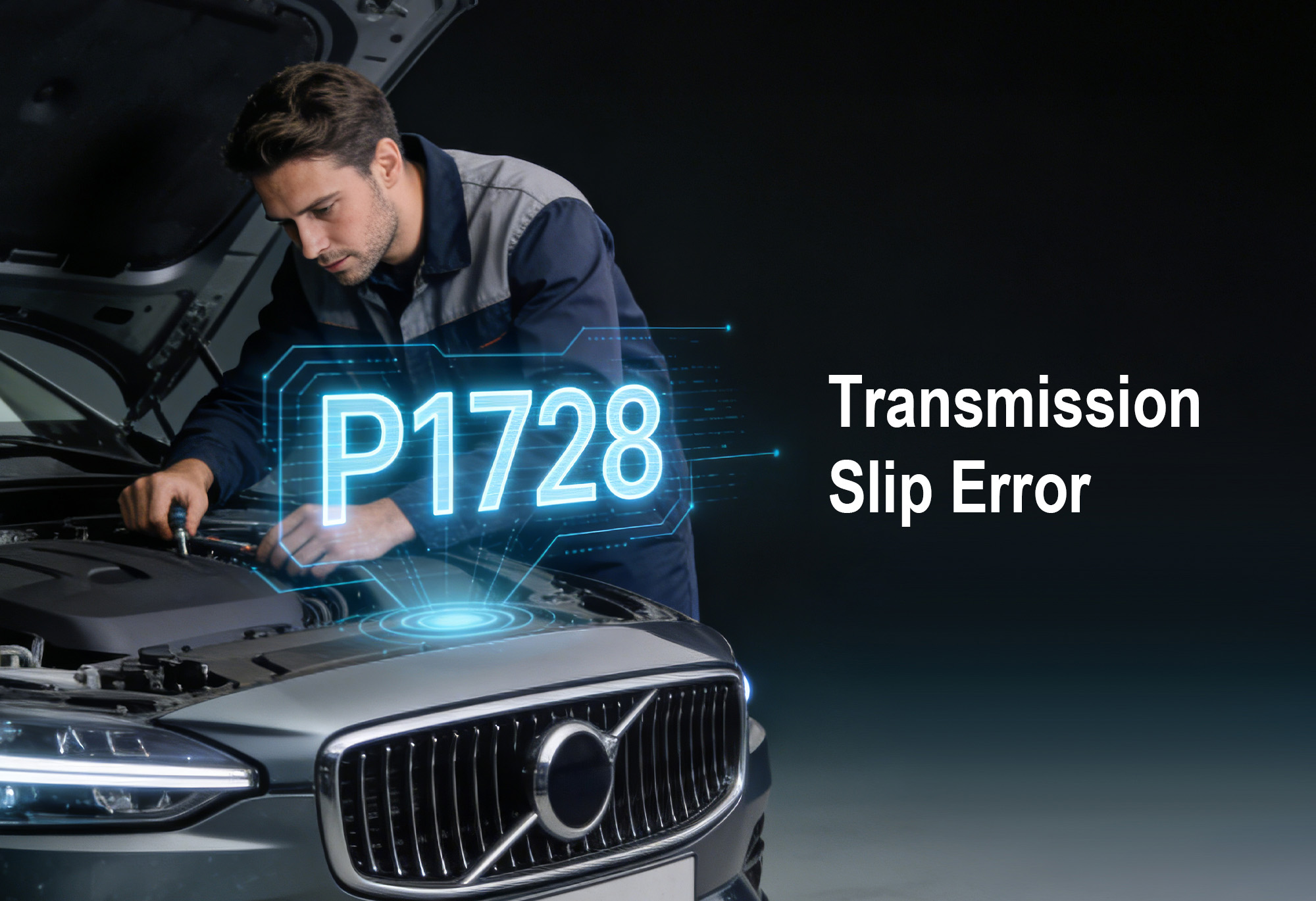 iCarsoft CR Pro S testing transmission control system & speed sensor circuit to diagnose P1728 fault code
What Exactly Is Fault Code P1728?
P1728 is a manufacturer-specific OBD-II trouble code, most commonly defined as “Transmission Control System Malfunction” or “Speed Sensor Circuit Intermittent” (varies slightly by vehicle brand). The Transmission Control Module (TCM) or ECU (Engine Control Unit) relies on speed sensors, solenoids, and hydraulic pressure signals to optimize transmission performance. When the control unit detects inconsistent, unresponsive, or invalid signals from these components, it triggers P1728, indicating a communication or functional failure in the transmission system.
This code applies to vehicles with automatic transmissions (gasoline, diesel, or hybrid). Left unaddressed, it may force the TCM into “limp mode” to protect the transmission, limiting vehicle speed and performance.
Why Does P1728 Happen? Common Causes
P1728 typically stems from issues with the transmission’s control system or key components:
-
Faulty Transmission Speed Sensor: Internal electrical failure or contamination causes erratic speed signal output.
-
Wiring/Connector Issues: Damaged, frayed, or shorted wires, or loose/corroded connectors between the sensor, solenoid, and TCM/ECU.
-
Malfunctioning Transmission Solenoid: Failed shift solenoid disrupts hydraulic pressure and shift timing.
-
Low/Contaminated Transmission Fluid: Insufficient or degraded fluid impairs sensor contact and solenoid operation.
-
TCM/ECU Malfunction: Rarely, the control module fails to interpret sensor/solenoid signals correctly.
-
Torque Converter Issues: Faulty torque converter clutch (TCC) solenoid or lockup mechanism triggers control system errors.
Why the iCarsoft CR Pro S Is Ideal for P1728
When it comes to diagnosing and fixing P1728, the iCarsoft CR Pro S outperforms basic scanners by offering deep transmission system insights and global compatibility. Here’s why it’s your best tool:
Full Transmission System Scans
Unlike basic scanners that only read the code, the CR Pro S dives into the TCM, speed sensors, solenoids, and hydraulic pressure data.
Live Data Monitoring
View real-time transmission speed signals, solenoid voltage, TCM status, and fluid temperature to verify intermittent or faulty signals.
Bi-directional Control
Test transmission solenoids, speed sensors, and TCM communication to rule out component vs. wiring/module faults—no disassembly needed.
Global Vehicle Support
Works with over 60 makes (Ford, Toyota, BMW, Mercedes-Benz, VW, etc.)—compatible with most automatic transmission-equipped vehicles.
Transmission-Specific Functions
Supports TCM coding, adaptation resets, and solenoid activation (varies by vehicle) to restore optimal performance.
One-Click Code Clear
After fixing the issue, erase P1728 and turn off warning lights in seconds.
Lifetime Free Updates
Stay compatible with new transmission technologies and code definitions via Wi-Fi.
Feedback Function
Get customized repair suggestions from certified professionals tailored to your car’s make and model.
How to Diagnose & Fix P1728 with the CR Pro S (Step-by-Step)
-
1. Connect the CR Pro S
Plug the tool into your car’s OBD-II port (under the dashboard) and turn on the ignition.
-
2. AutoVIN Identify
The tool automatically detects your vehicle’s details—no manual entry needed.
-
3. Scan for Codes
Select “Full System Scan” or “Transmission System Scan” to retrieve P1728 and related codes (e.g., P0700 for transmission control system fault, P0720 for speed sensor circuit malfunction).
-
4. Check Live Data
Monitor transmission speed signals, solenoid voltage, and TCM communication—erratic or missing data confirms a component or circuit issue.
-
5. Test Components
Use bi-directional control to activate solenoids and verify speed sensor responsiveness—no response points to faulty components; intermittent signals indicate wiring issues.
-
6. Fix the Root Cause
Replace the speed sensor/solenoid, repair wiring/connectors, top up/replace transmission fluid, or service the TCM (based on your findings).
-
7. Clear the Code
Use the “Erase Codes” function to reset P1728 and warning lights.
-
8. Re-Scan & Verify
Run a follow-up scan after driving to ensure the code doesn’t return—confirm the transmission control system is working properly.
FAQs About P1728 & the iCarsoft CR Pro S
Q: Can I drive with P1728?
A: You can drive short distances, but harsh shifting and transmission damage risks make prompt diagnosis with the CR Pro S recommended. Avoid heavy loads or highway speeds.
Q: Will the CR Pro S work with my car to diagnose P1728?
A: Yes! It supports over 60 global makes and all 1996+ OBD-II compliant vehicles with automatic transmissions.
Q: Do I need mechanical experience to use the CR Pro S for P1728?
A: No! Its 5-inch touchscreen, AutoVIN function, and clear instructions make it user-friendly for beginners. It highlights transmission components for easy reference.
Q: Can the CR Pro S distinguish between a faulty speed sensor and solenoid?
A: Absolutely. Live data shows speed signals (sensor-related) vs. solenoid voltage (solenoid-related)—missing speed data points to a sensor fault; unresponsive solenoids indicate solenoid issues.
Q: After fixing P1728, will the CR Pro S clear the code permanently?
A: Yes—once the root cause (e.g., faulty sensor, worn solenoid) is addressed, the “Erase Codes” function clears P1728 permanently. If it returns, the issue wasn’t fully resolved.
Q: Is the CR Pro S better than a basic scanner for P1728?
A: Basic scanners only show P1728—they can’t monitor live transmission data or test TCM communication. The CR Pro S identifies why the control system fails, saving you from unnecessary part replacements.
Q: Does the CR Pro S support hybrid vehicles with P1728?
A: Yes! Hybrids with automatic transmissions rely on transmission control systems, and the CR Pro S includes specialized hybrid diagnostic functions to handle P1728.
Q: How often should I update the CR Pro S for P1728 diagnostics?
A: Update every 3–6 months via free Wi-Fi updates to ensure compatibility with new transmission systems and component technologies.
Final Thoughts: Don’t Let P1728 Damage Your Transmission
Fault code P1728 directly impacts your transmission’s reliability and performance by disrupting critical control signals. With the iCarsoft CR Pro S, you can diagnose and fix it from your garage—no expensive dealership visits required. Its deep transmission system coverage, live data monitoring, and bi-directional control take the guesswork out of repairs, whether you’re a DIY enthusiast or professional mechanic.
Invest in the iCarsoft CR Pro S today to tackle P1728 and hundreds of other transmission-related codes—keep your vehicle shifting smoothly and reliably.